Design a label once; acqSYS fills it with the real spool, SKU, and QC data and can print it automatically the moment QC passes — so the label doesn't drift from the reel.
Use the demo to walk from template design to QC approval, print job, and public QR verification.
Every label pulls its values from the spool record it will be wrapped around.
The people who need labels to match real product and QC data.
Label selection follows the commercial and manufacturing product model.
Approve a spool and resolve variables into the printed label and QR path.
Labels often combine product identity, brand, EAN, QC status, print parameters, barcodes, and QR verification. If the label is built in a separate tool, it can drift from the spool record it claims to represent.
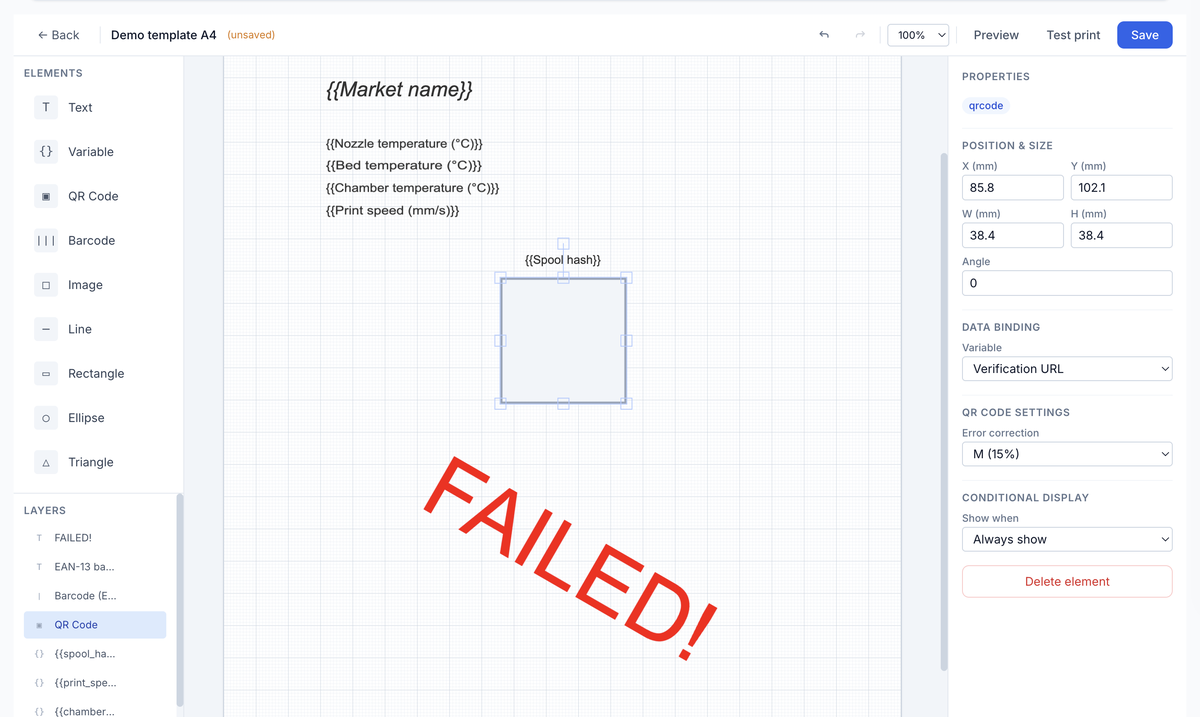
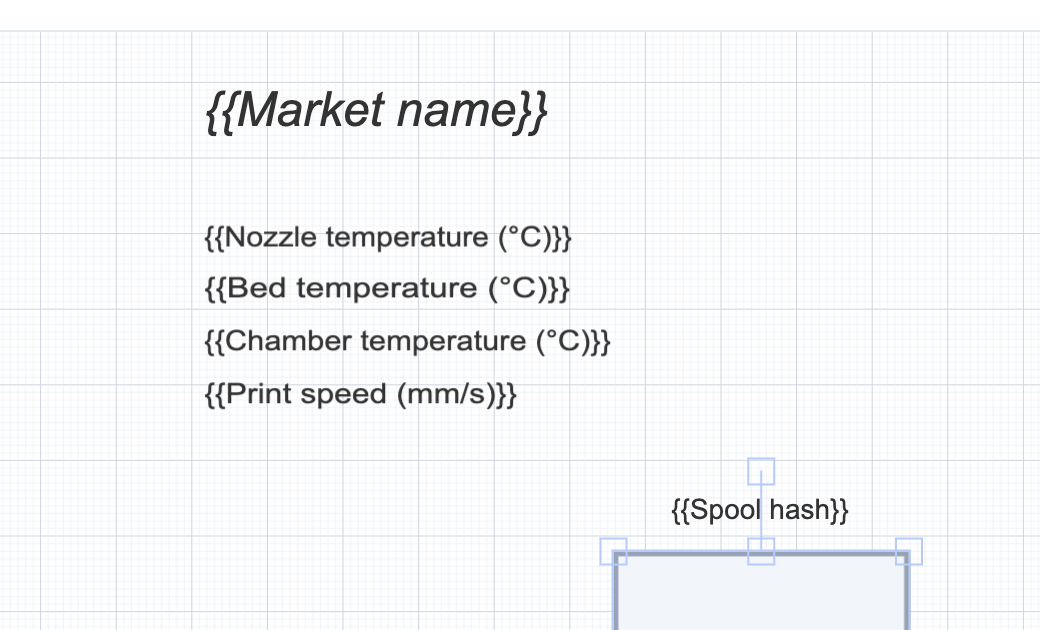
The label becomes a bridge from physical reel to proof. A QR code is strongest when it resolves to a spool-specific verification page backed by internal QC.
The label workflow spans design, variable resolution, printer setup, QC timing, process disclosure choices, and customer verification.
Create templates with layers, text, variables, QR, barcode, images, and label dimensions.
Pick the right template through SKU, ProductHub, or system default resolution.
Print manually or trigger post-QC printing through configured line and printer assignments.
Use QR variables to send customers to the public spool verification page.
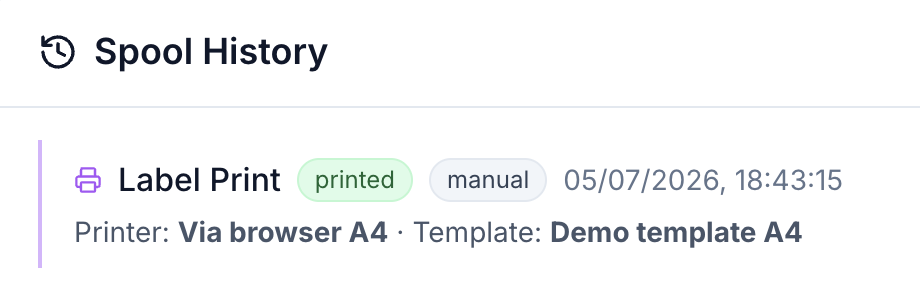
Printer drivers, DPI, media, line stations, browser silent behavior, DNS, and physical printer setup must be validated per deployment before you rely on automatic printing.
The label editor understands filament production and process variables and resolves them from ProductHub, SKU, spool, QC, label template, printer, and verification context.
We will rebuild it as an acqSYS template — live spool, SKU, and QC variables, the verification QR, and a print log for every copy.