acqSYS turns the spool label QR into a public verification page showing only the fields you approve — product identity, QC result, Cpk, documents, and print parameters.
Use the demo to scan from a spool label into public verification.
One scan takes your customer from the reel in hand to the QC evidence behind it — and no further.
The team turning quality control into customer confidence.
Verification reads selected fields from the same spool and QC record used internally.
Move from QR to public proof and then back to internal traceability.
Filament buyers increasingly expect transparency, but static PDFs are easy to detach from the physical spool. A QR path gives the customer a live verification surface without opening your internal acqSYS system.
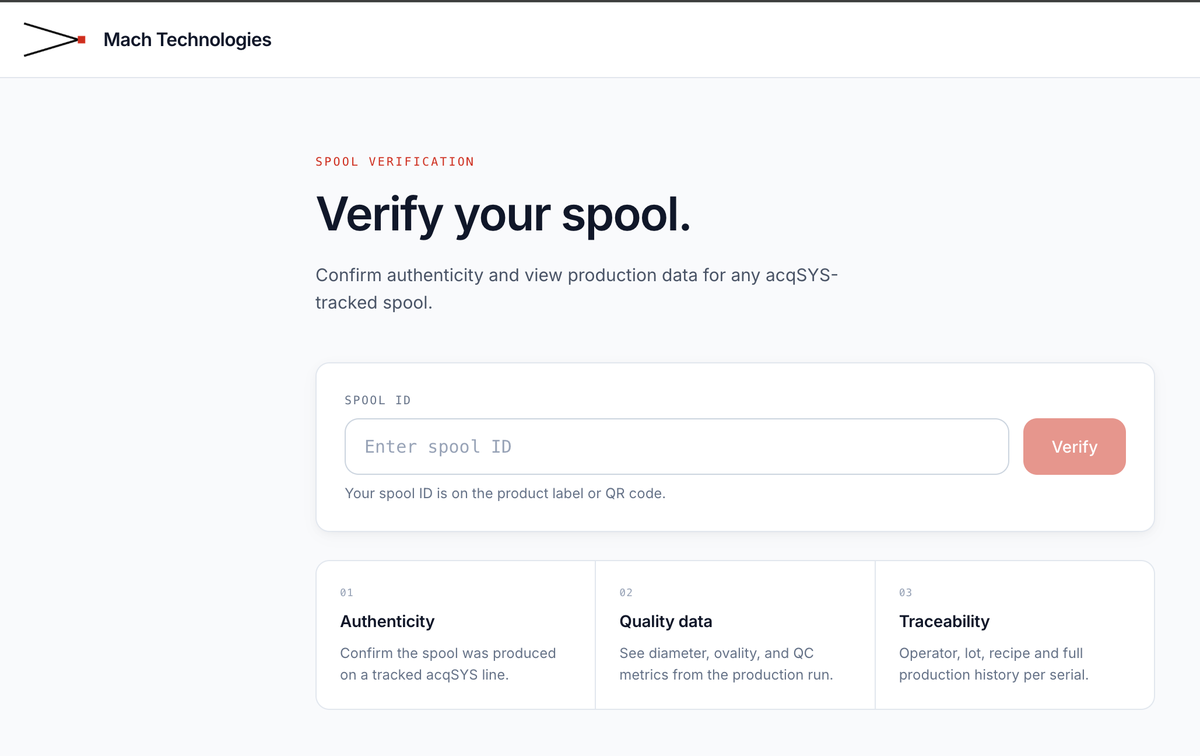
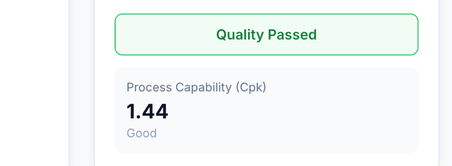
Customer proof from the spool record. The public view stays useful without exposing internal planning, operator, or system screens.
QR certificates are valuable because the public page inherits selected evidence from the internal spool, QC, and process workflow.
The line creates a spool record with order, job, product, line, and operator context.
QC stores result, measurements, Cpk where available, and certificate-relevant fields.
The label template resolves spool variables and embeds the verification URL.
The customer sees the configured public verification page for that spool hash.
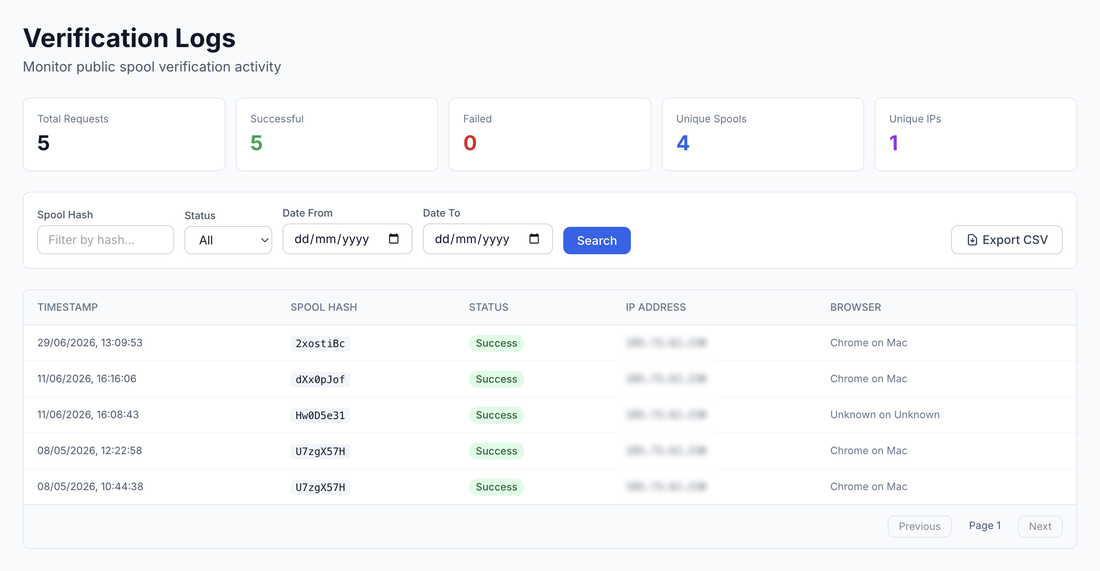
Not every internal field belongs on a customer page. Your quality and brand teams decide which QC, Cpk, document, process, and production details are appropriate for the brand and market.
The QR page is backed by the same spool, QC, ProductHub/SKU, label, and verification-history chain used inside production.
We will walk from a printed label to the public page and choose the product, QC, Cpk, and document fields your customers see.